Mi Nube › Share folders with a link
Share folders with a link
Send trip photos or paperwork without attaching anything: just a link.
Public or private link
Anyone with a public link can open it in a browser, no install needed. A private link only opens for people with a Mi Nube account, who can also save it to "Shared with me".
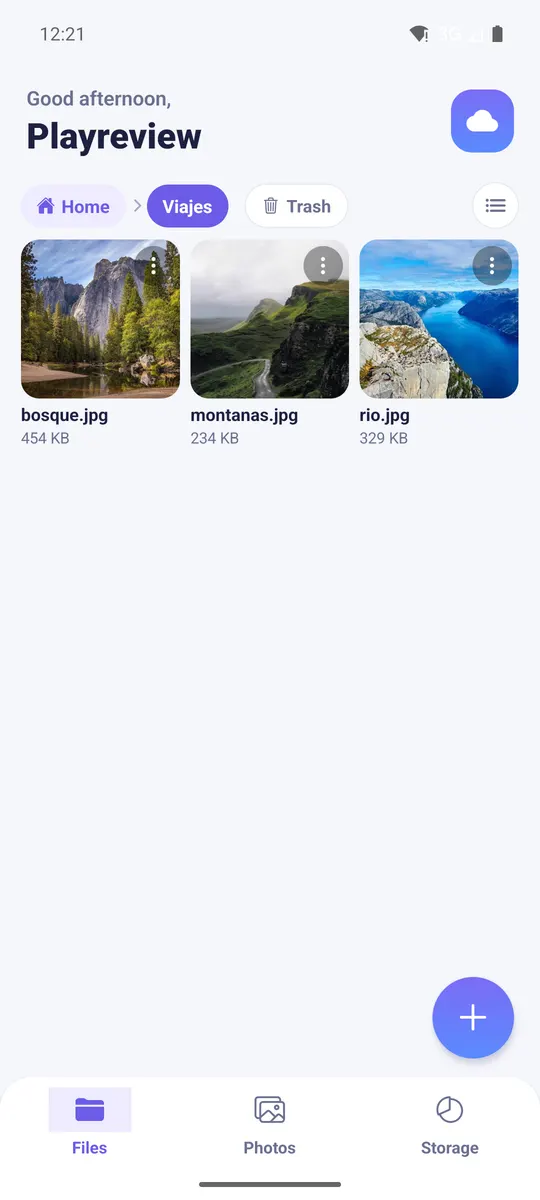
Read-only
People with the link can view and download, but not delete or change your files. Hidden subfolders aren't shown and protected ones still ask for their password.
Revoke it anytime
Delete a link and it stops working immediately. Password-protected folders can't be shared by link.
Shared with me
Everything other users shared with you is gathered in one tab, so you don't have to dig for the message with the link.
Your private cloud for photos, videos and files
Keep everything in a space of your own, separate from other users. No ads, and we never sell your data. Start free with 10 GB.